How HearthStack works
Set up the household once. Make everyday decisions easier from there.
Start with a shared place for the money, shopping, tasks, and questions your household already manages. As you use it, the plans and decisions you record stay close at hand.
01 / The starting point
Start with one shared household.
Create a household, add the people who belong in it, and choose what to set up first. Guided Setup lets you return to the rest later.
Now there is a common place to check what is needed, what is planned, and what someone has already taken care of. What each person sees still depends on their access to that information.
02 / Make a plan for money
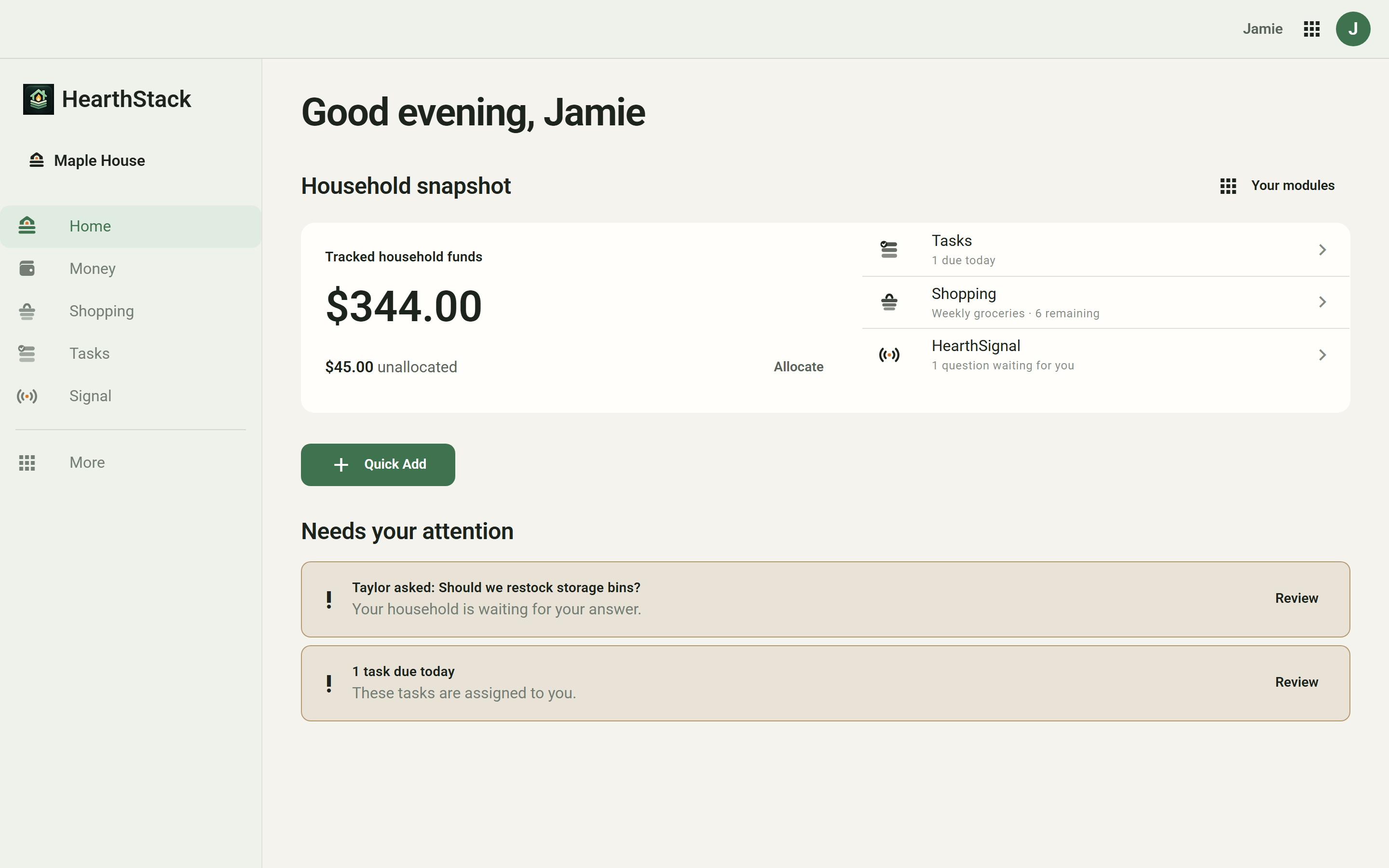
Decide where incoming money should go.
Create buckets for the things your household funds. When you record income, you can put some into those buckets and leave the rest in Unallocated until you decide what to do with it.
A bucket shows what is available for its purpose. Money activity shows what you have recorded; transfers let you move funds between buckets or Unallocated when plans change.
This is a record of the household's choices, not a connection to your bank. You enter income and expenses yourself.
A closer look / Income Rules
Make the decision once. Keep it for next time.
An Income Rule is a saved instruction to put a fixed amount or a percentage of incoming money into a bucket. Rules can apply to qualifying income across the household or to a particular income source. You can edit or remove them as your plans change; changes affect future income, not past paychecks.
When you add a paycheck, HearthStack shows the allocation from current rules before you confirm it. You can use that plan or customize this paycheck alone. Only when you confirm is the income recorded; money not assigned to buckets stays in Unallocated.
03 / The everyday
Use it when household life actually happens.
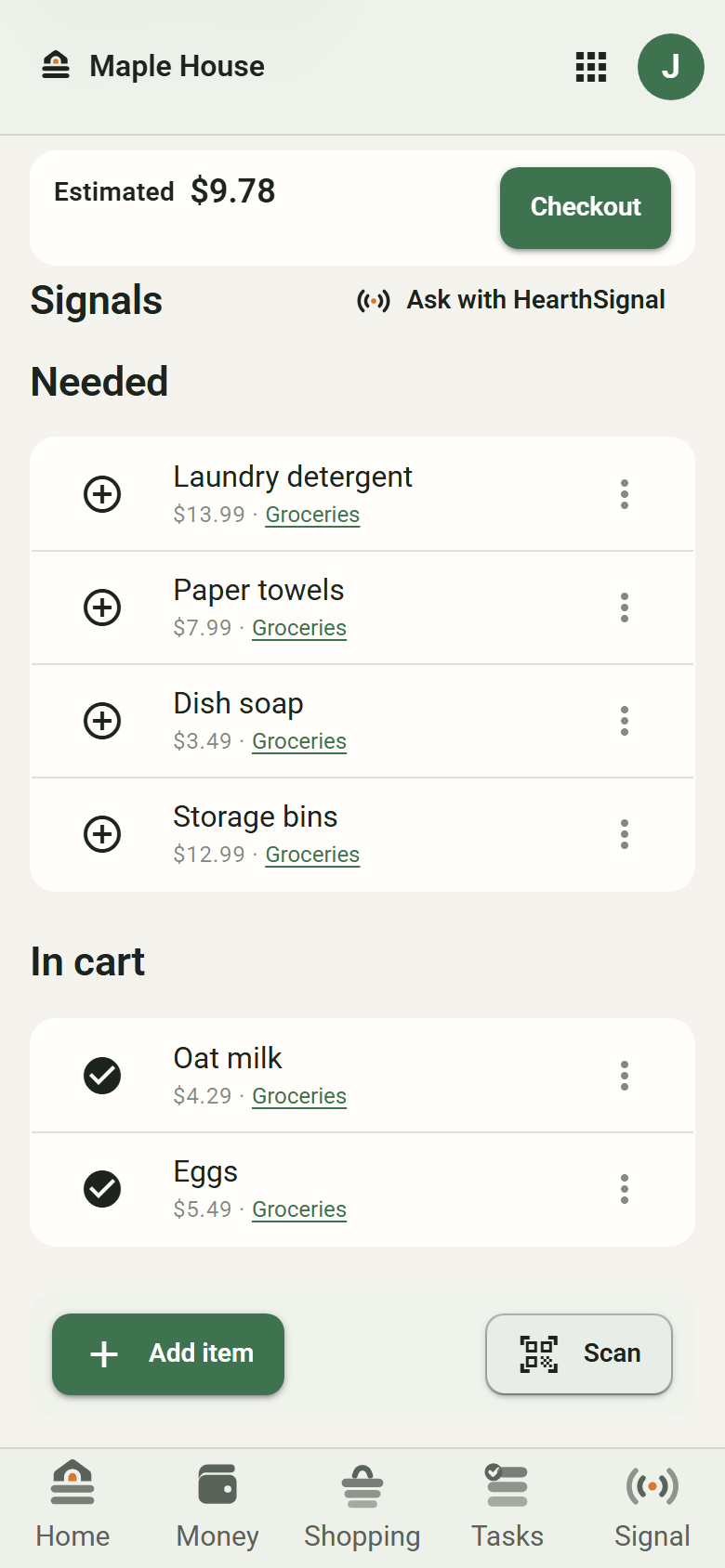
Add things to Shopping as you notice them. At the store, take a list into HearthRun: needed items and items in your cart stay separate, with an estimated total when prices are available.
Back home, keep shared work in Tasks and check Money for the funds you have recorded. These are places to return to, not steps the app silently completes for you.
04 / The question
Ask the household instead of guessing.
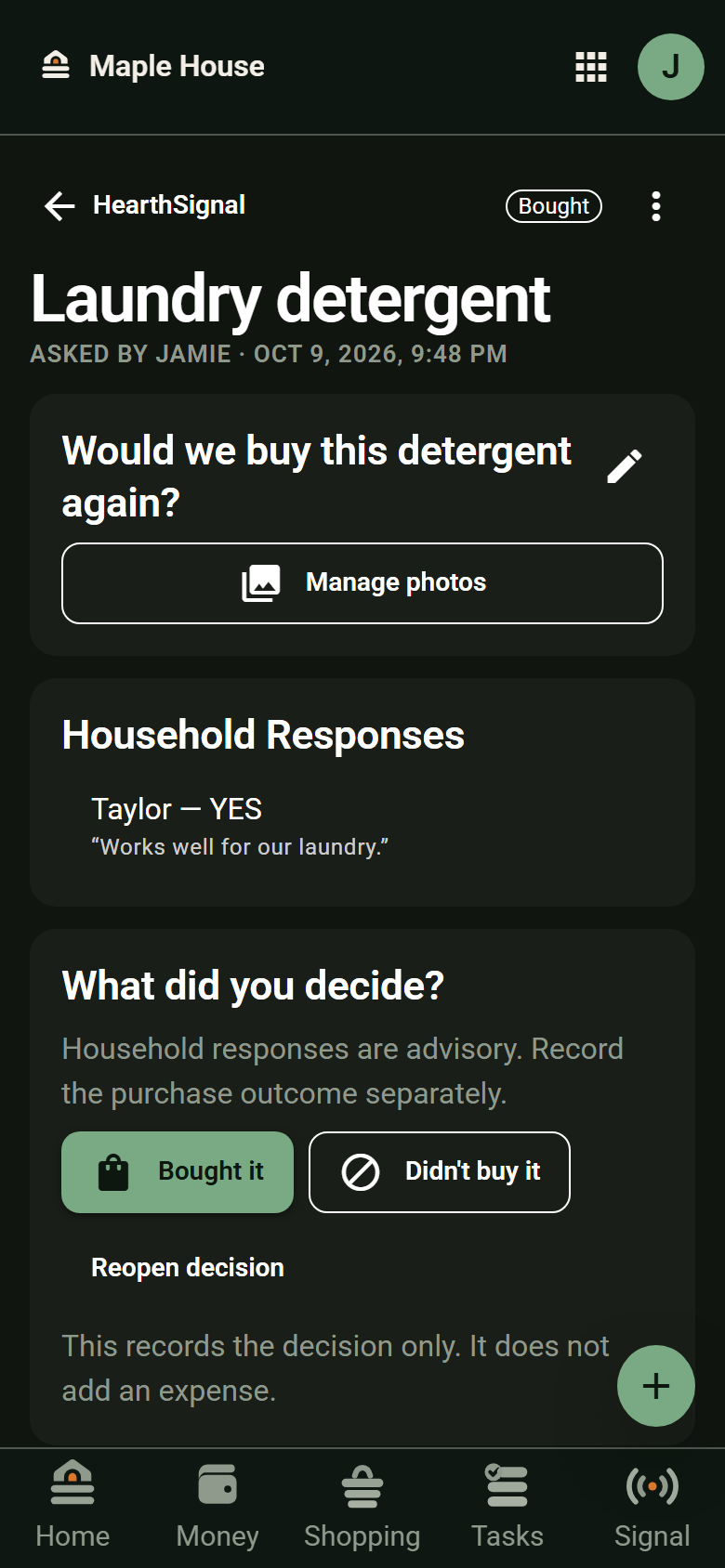
Spotted something on a shopping trip that needs a second opinion? Ask with HearthSignal. Members with access can respond, and the purchase outcome can be recorded alongside the question.
Next time the question comes up, that response and decision are still there to look back on. Recording a purchase decision does not automatically record a Money expense.
05 / What stays with you
The household has less to keep in its head.
As you use HearthStack, completed tasks remain in their lists, finished shopping trips have a history, Money keeps recorded activity, and HearthSignal keeps responses and purchase outcomes. Income Rules remain ready for future income until you change them.
None of that means the app learns your habits or makes decisions for you. It means the things you chose to record have a place to live, instead of relying on one person's memory.
It works together
One household. The pieces in reach.
Money and Income Rules give recorded funds a plan. Shopping and Tasks help with what is happening now. HearthSignal gives shared choices a place to land. Home offers a quick view across them.
Plan the moneyLive the dayKeep the decision
Included with HearthStack Household
If your household includes kids, the system can extend to them too.
The core toolkit works on its own. When child-focused routines fit your household, Kids adds chores, a clear view of earned versus paid money, Time Off, and parent-supervised Kid View. Adults manage the profiles and choose what household information each child can see.
Start with your household
Make room for the things you do together.
Begin with what you need today. Add the rest when you are ready.
Start your household